
I recently tested AppSheet, Google's no-code app builder, which lets you build simple CRUD applications using Google Sheets as the backend.
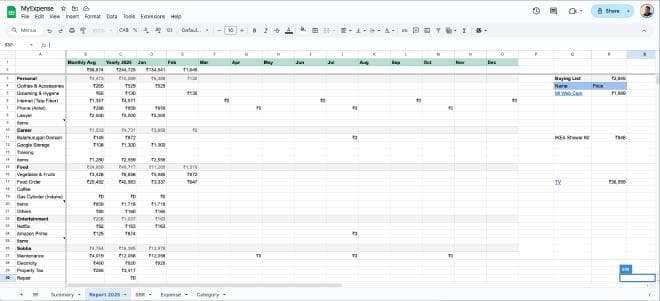
Previously, I tracked my expenses in Excel — calculating totals and monthly averages through formulas. The problem was I could only record expense amounts, not the reasons or dates. And I frequently forgot to update it, leaving gaps in my records.
Using AppSheet, I built an app that automatically updates a spreadsheet with amounts, dates, and descriptions, while also letting me attach receipts. A pivot table now summarises my spending patterns automatically — no extra effort required.
Before this experience, I dismissed no-code platforms as tools for building simple template-based sites. But building this app changed my perspective.
Most of the apps we use daily are just CRUD apps — and no-code makes it easier to create them. Whether it's a personalised tool for individuals, an internal workflow app for a small team, or a rapid prototype, no-code platforms offer real advantages: ease of building, faster launch, and simpler updates compared to traditional development.
This experiment has made me rethink what's possible without writing a single line of code.
